
I'm Jen Watters, a content strategist from JenAI working with CREAO on their content strategy and content system. As I get acclimated to the CREAO world, I'm sharing everything I'm learning along the way. This is my first time working closely with an AI-native team, and to be honest, I have a lot of questions.
Kicking off a series where I sit down with the people building CREAO and ask what it is like building at an AI-native company. Follow along as I explore what AI-native actually means, how the people behind it work day-to-day, and how much it's already changing the way we work.
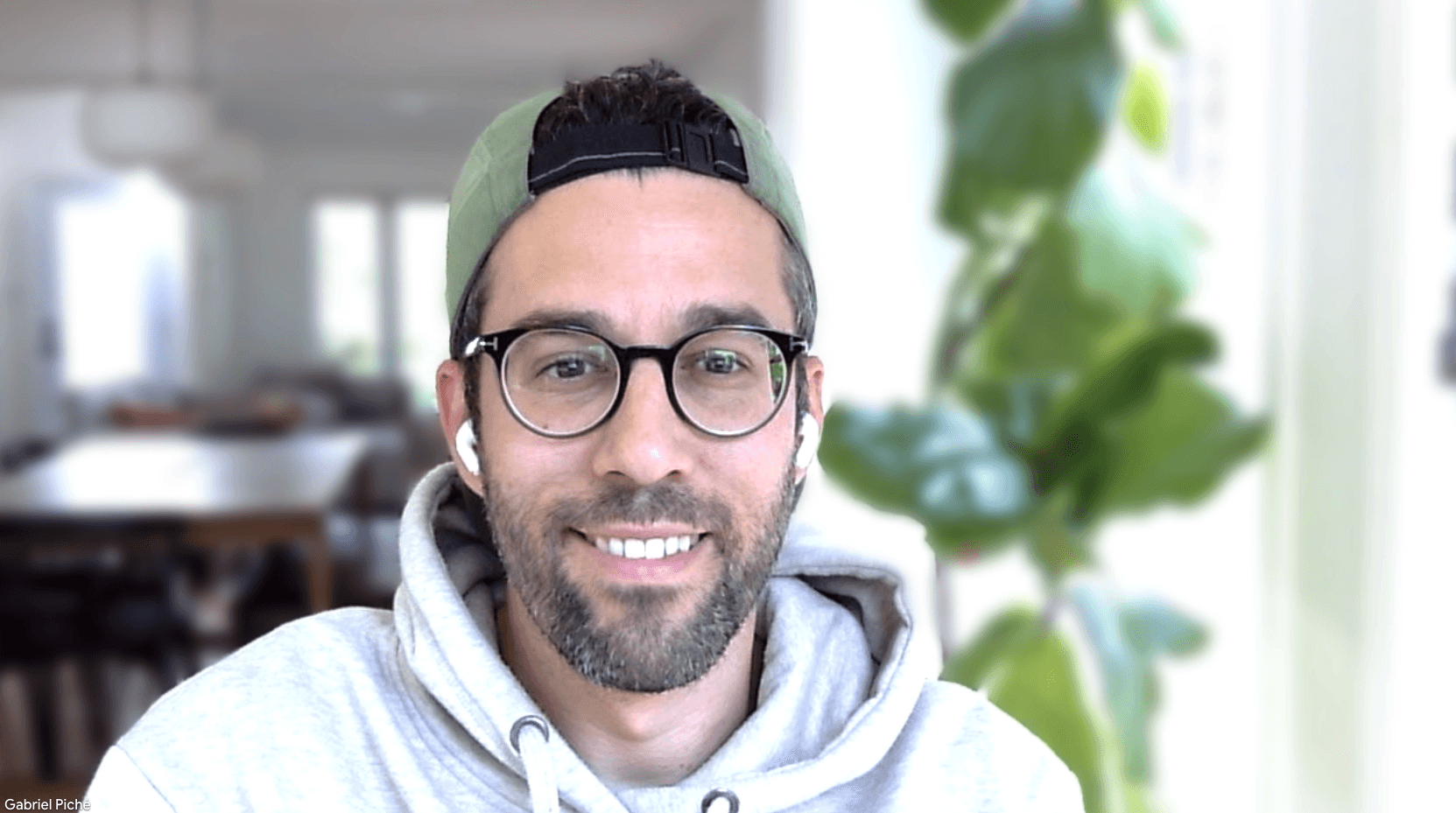
Up first: Gabriel Piché, who runs growth at CREAO. He used to manage a team of ten. Now he's managing a team of AI agents. I wanted to know what a day in his life looks like, and I ended up getting a full walkthrough of the actual system.
The Monday Morning Workflow
Gabriel doesn't just use AI tools. He builds them. Specifically for SEO, and sometimes, it runs while he's cutting his grass.
Jen: Walk me through what happens on Monday morning.
Gabriel: I wake up, and my inbox has an email telling me exactly which keywords my competitors rank for that I don't. The agent ran while I slept. It pulls from Google Search Console on one side (my rankings, my impressions) and SEMrush on the other for the competitor view. Both connectors took under two minutes to set up.
Jen: And it just flags everything?
Gabriel: No, that would be useless. I set rules. Flag a keyword only if a competitor ranks in the top 20 and I don't appear at all and the monthly search volume is 200 or above. Without that last filter, I'd be drowning in 400 keywords that nobody's actually searching.
Jen: What does the alert actually look like?
Gabriel: Deliberately boring. Keyword, which competitor is ranking, the search volume. That's it. I don't need a report, but I do need a trigger.
From Alert to Asset
A lot of AI SEO tools stop right there: here's your gap, good luck. What happens after the alert is where it gets cool.
Jen: So the alert fires. Then what?
Gabriel: It writes a content brief automatically. Target keyword, a recommended page title, a heading structure, who the page is for, and what to actually monitor after it's live. Then a second module takes that brief and writes two things: a full landing page targeting the keyword, and a supporting blog post around it.
Jen: Why both?
Gabriel: Two chances to rank instead of one. The page goes after the keyword directly. The blog supports it from a different angle. Same effort, double the coverage.
Jen: And it just... publishes itself?
Gabriel: It can, but I don't let it, yet. Once the page and post are written, the agent pushes into Framer through field mapping: title to title, body to body, URL to slug. I have it set to save as a draft, not auto-publish. I review everything before it goes live. The agent does the assembly. I'm still the one deciding it's good enough.
This is the gap I see for a lot of AI SEO tools for small businesses. They find the gap and stop there. Brief, page, post, CMS push: that's the actual tedious work, and most tools leave it to you to take care of it.
Jen: Give me a sense of scale. How much time does this actually save?
Gabriel: A two-week project, briefing copy, e-commerce setup, SEO review, IT publish, done in eight minutes with a single agent. I also built a new landing page in five minutes by prompting Framer through CREAO directly.
Jen: Does it stop at content, or does it keep going?
Gabriel: It keeps going. Once the page and post are published, the same workflow drafts an email campaign in MailChimp: subject line, preview text, body that links back to the new page. If I wanted to, I could add Google Ads or Meta connectors the same way and have it draft campaign copy off the same content.
Jen: So one keyword gap eventually becomes a whole campaign.
Gabriel: That's the idea. Website, blog, email, ads: one finding triggers the chain. Most tools end at "here's your gap." This one ends at "here's your campaign, reviewed and ready."
That's what I mean when I say you can build your own AI-first GTM workflow. The SEO agent is one piece of it.
Managing Agents, Not People
Gabriel used to have a team of 10: SEO, paid media, e-commerce, email. Now it's just him and whatever agent he's built.
Jen: In your previous role, you had a team of 10. Now it's just you on growth. What does that actually look like?
Gabriel: I'm the thinker, executor, and systems builder now. The scope of what I do now is what a team of four used to cover. It doesn't feel like pressure. It feels like I have my old SEO guy sitting next to me, but he doesn't sleep.
Jen: Is that really a win, or is it just doing more with less because you have to?
Gabriel: I never wanted a big team. Ten was always my ceiling. Add more people and you hit diminishing returns. The question was never how do I scale headcount, it was: what can I do with AI that keeps quality and speed without needing to hire?
B-level managers stack people to get things done. A-level people hire A and A-plus talent and get more done with fewer. AI lets me act like I hired A's, without hiring anyone.
What the Agent Can't Do
Jen: Do you actually let the agent run fully on its own?
Gabriel: I'll review before it goes live. I wouldn't trust any platform to do the publishing right now.
Jen: So you're the approval layer on everything.
Gabriel: Everything. Every campaign, every page. AI tends toward agreement; it optimizes for what you asked, not necessarily what you needed. You have to be strong enough to challenge it and trust your gut.
Jen: Can you give me an example?
Gabriel: A tool suggested I hire a "marketing data analyst." I pushed back. Is that role already covered? Is that actually the bottleneck? The AI was optimizing within the frame I gave it. I had to question the frame itself.
"The bottleneck isn't execution. It's knowing what to ask for in the first place."
For example. I didn't bring my laptop when I went on vacation to Greece, but I wasn't worried because I knew my agents had my back. They never do the full loop unsupervised, so nothing went live without me, but in the background they kept working, creating assets, analyzing SEO.
The Orchestration Layer
This is the part that made me realize Gabriel isn't running one agent. He's running a whole stack of them, with one agent watching the stack.
Jen: You've got an SEO agent, ad agents, reporting agents. How do you keep track of what they're all doing?
Gabriel: That's the newest piece. I built what I call my chief-of-staff agent. It has access to everything: my SEO agent, Meta, Google, GA4, Stripe. It reviews all their output and tells me what to actually focus on. Because I'm one person watching five workflows, and I don't have time to check all of them every day.
Jen: What does that look like in practice?
Gabriel: One flags when a page is starting to rank and suggests adding more internal links to it. Another reviews search terms I'm bidding on in Google Ads, finds the ones generating spend with zero signups, and pushes them straight to a negative keyword list. None of it's dramatic. It's just stuff that used to sit on a to-do list and now doesn't.
Jen: Is that the difference between an AI SEO tool and an AI SEO system?
Gabriel: Yes, a tool finds you one thing. A system tells you which of the ten things it found that are worth your attention.
The Perks of Working for an AI-Native Company
Jen: What's the best thing about working for an AI-native company?
Gabriel: I don't have eight meetings a day anymore, though we could, if we wanted to. What actually changed for me is something bigger. I was always hands-on, even as a director. I loved being in the details. AI-native work means your scope as an individual contributor can be enormous. You and the AI tool of your choice. With CREAO, you can just get an insane amount done at a speed that doesn't feel real.
And because you're inside it, you're ahead of the curve without trying to be. Peter, our CTO, was talking about agent harnesses and memory six months before the CEO of Microsoft put the same ideas on a stage. He was talking about agents a year before that. Right now in Silicon Valley every billboard is about AI agents.
The Fear in the Room
I asked about it directly. It's in every conversation about AI.
Jen: Should people be worried about what AI means for their work?
Gabriel: People are scared. The logic goes: if my AI does my work, I could be replaced. I understand it.
But your judgment doesn't disappear. The quality of your work doesn't disappear. What disappears is the bottleneck between what you can think and what you can ship.
"It's an enhancer. That's it. The people who fall behind are the ones who don't pick it up."
Gabriel's stack of agents wasn't built in a day. It was built in less than that with CREAO. It came together faster than it might have otherwise, because he'd already run a team of ten. He knew what each role actually did before he ever tried to automate it. The SEO alert came first. The brief generator, the CMS push, the chief-of-staff layer, came later, one piece at a time, built by someone who really knows what a full growth workflow looks like.
That's probably where I'd start too, if I were doing this myself. Maybe it's where you start.
Worth giving CREAO a try and seeing what you'd build first.
Oh, and come back next week to learn how video editing gets automated at CREAO.
Related reading:
Frequently asked questions
Q: Do I need a developer to set up AI SEO tools?
A: No. Gabriel's setup connects Google Search Console and SEMrush, both took under two minutes to configure, no dev work involved.
Q: How do I show up in AI search results (ChatGPT, Claude) instead of just Google?
A: People ask longer, more conversational questions in a chat box than they'd ever type into a search bar. Build FAQs that match that: full questions, plain answers, not keyword fragments. Add FAQ schema so it's machine-readable, and keep an llms.txt file so AI crawlers can read your site cleanly.
Q: How can AI help small businesses?
A: AI saves small businesses money by doing work that would otherwise require a contractor, a VA, or an extra hire. The clearest use cases: writing first drafts of emails and social posts, answering customer questions at 2am via a trained chatbot, pulling weekly sales data into a report without anyone touching a spreadsheet, and scheduling follow-ups after a call. AI doesn't replace judgment but it does remove the time cost of execution.
Q: Is SEO worth it for small businesses?
A: Yes, but only if you treat it as a long-term traffic asset rather than a quick lead source. Paid ads stop the moment you stop paying. A page that ranks on Google keeps bringing in visitors 6, 12, even 24 months after you publish it. SEO is worth it if you have a product that people search for and you're willing to publish consistently for at least six months.
Q: What are the best AI SEO tools for small businesses?
A: The best tool is the one that closes the gap between your time and your publishing volume, without requiring you to become a technical SEO expert. Surfer SEO grades your draft against top-ranking pages. Ahrefs or Semrush handle keyword and competitor research. ChatGPT or Claude generate first drafts faster than a freelancer. CREAO lets you build a repeatable content process: an agent that pulls keyword data, generates a draft, runs it through quality checks, and schedules publication. Pick one research tool, one writing tool, and publish weekly for 90 days before evaluating.