
AI content creation doesn't mean handing your YouTube channel to a machine. The version that works looks more like this: agents handle research, topic selection, script drafts, and the video render itself, and you bring the perspective, judgment, and star power. That's how CREAO's YouTube channel went from about 100 subscribers to over 60,000, run by someone with no content background and no playbook.
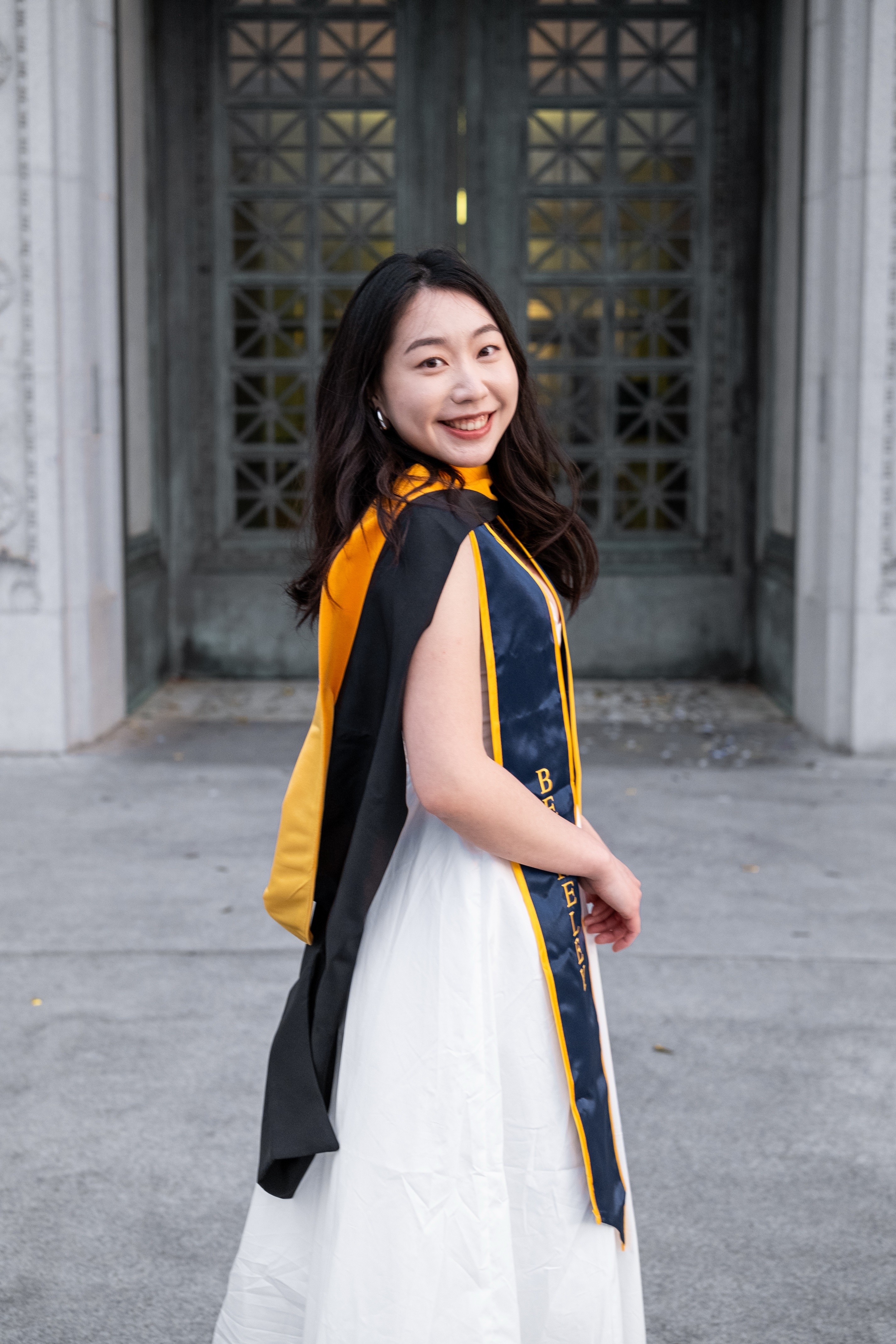
Charis Liao didn't set out to be that someone. She has a master's in molecular science and software engineering from Berkeley, a background in HIV-1 sequence modeling. Somewhere in her first year at CREAO, she became the person behind the camera and the one deciding what the channel makes next. I had a chat with her to find out what she built, and what it's like to be one of the first people at your company figuring out AI content creation for YouTube from scratch.
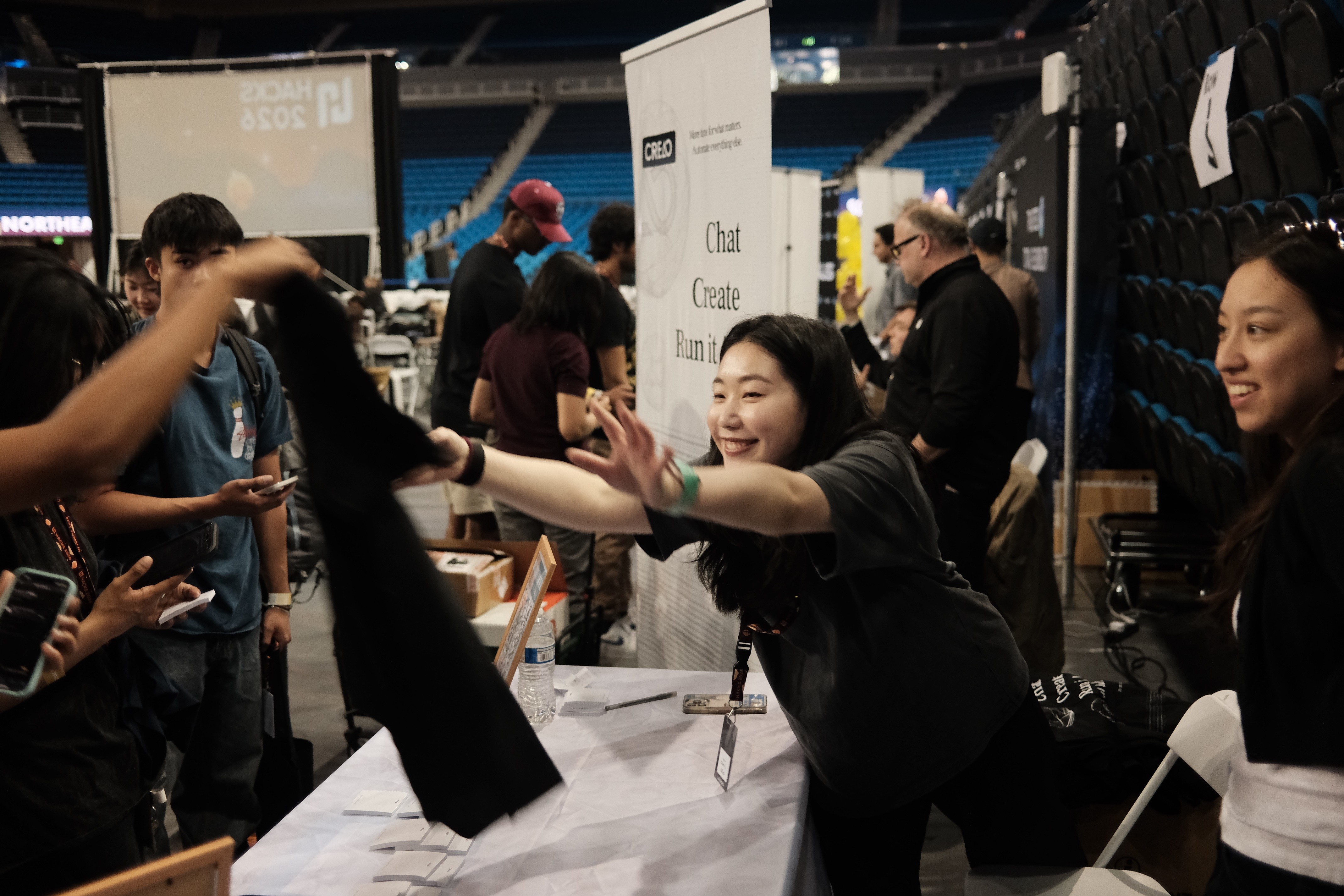
From Molecular Biology to Running CREAO's YouTube Channel
Jen: You have a background in computational biology, not content. How did you end up running CREAO's YouTube channel?
Charis: Full transparency, I have been learning this as I go. No formal background in content creation, no strategy playbook. Just genuinely trying to figure out what works. What I have been doing is using CREAO's AI agents that handle the parts I kept falling behind on. And it has genuinely changed how I work.
Jen: What was the actual problem? Where was the time going?
Charis: Here is the honest problem. Most of my time was not going into making videos. It was going into everything around the video. What to make, what to research, how to write it. So I started asking myself: what if I could just describe what I need and have something go figure it out for me?
From Scripts to Rendered Video
Jen: Walk me through the first agent you built.
Charis: I used to spend hours researching before I could even start writing a script. Now I just describe what I want, and an agent does it. When you open CREAO, the first thing I recommend doing is creating a separate workspace just for your YouTube content. Nothing fancy. Just a clean space where all your content agents live so you are not mixing them in with other stuff. Once you are in that workspace, you go to Chat. You are not configuring settings or filling out forms. You just describe what you want, like you would to a person.
Jen: What did the actual prompt look like?
Charis: I kept it really simple to start. Something like: "Research the top YouTube videos on a topic I give you. Find out what angles people are taking and what questions are not being answered. Then write me a script I can record. Make it sound like how I actually talk, not like a blog post." That's it. Try not to overthink the first version.
Jen: So the refining happens after.
Charis: Right. Once it gives you something back, that is when you start refining. If the script is too stiff, you say "make it more casual". If the intro drags, you say "cut the hook down to ten seconds". You are basically having a conversation with it until it matches your style. My tip is to save the version of the prompt that finally works. That becomes your template. Every time you want a new script, you run the same prompt with a new topic, and it already knows what you like, because it remembers how you work between runs.
It's not doing your perspective for you. It's doing the research and structure so that when you sit down to record, you already know what you want to say. You are not starting from nothing. And because I am not spending half my day researching before I film, I am sharper when I actually record. Less takes, cleaner energy, and I get it faster out of the edit. The agents are not doing the creative work, but they are clearing the path so I can do it better.
Jen: And that same "just describe what you want" approach carries into the actual video?
Charis: Yeah, exactly. Most AI video workflows are a mess, honestly. You prompt an image generator, download it, upload it to a video generator, then edit them together. The flow would get chopped going from one generator to another. It's not hard work, but it's tedious work. Inside CREAO it's not like that. Your video generation agent handles the prompting and runs the generation right there in the chat. And if you want a change, you're not starting over. You just tell your agent what to fix and it adjusts.
Using AI to Find Video Ideas Before They Peak
Jen: The research and script agent handles execution. What handles strategy?
Charis: The hardest part of running a YouTube channel is not making videos. It is knowing what to make. This one I run before I even think about scripting. It is the first step in my week. Same setup, same workspace, same Chat window. I described it like this: "Every week I want you to look at what is trending in the AI and automation space. Check what specific channels I tell you are covering. Then tell me what topics are picking up but nobody has gone viral with yet. Give me five ideas ranked by opportunity, and for each one tell me why it is trending and what angle you think I should take." It runs on a schedule every Monday morning, so I don't have to manually kick it off.
Jen: What do people usually get wrong when they try that prompt?
Charis: The important part is the last bit. You are not just asking what is popular. You are asking what is popular that your competitors have not nailed yet. That distinction matters. If you skip this, your agent would just give you a list of topics everyone is already making. My tip is to include two or three channels that are slightly bigger than yours in the same niche. Not the biggest channels in the world. The ones whose audience is closest to yours. That way the gap analysis is actually relevant to where you are.
Jen: Do you just take the top idea and run with it?
Charis: No, when the output comes back you will see a ranked list of ideas with the reasoning behind each one. Do not just pick the top one automatically. Read the reasoning. Sometimes the third idea is the better fit for your channel even if the trend data puts it lower. The output lands every Monday morning. Takes maybe two minutes to review, and it shapes everything I make that week. Before I had this, I was just posting randomly. Now I have a reason for every video I make.

What It's Actually Like Working at an AI-Native Company
Jen: Pulling back from the channel for a second. What's it like day-to-day, working at a company that's fully AI-native?
Charis: That's a very good question. I think you get a lot of resources, like AI resources and AI news, that if you don't work at an AI-native company, you probably get way later. And resource-wise, you won't get that much. We have credits, which is a big thing, and there are multiple models you could use. If you were working somewhere else and subscribed to Claude, you can only use Claude. Subscribe to ChatGPT, you can only use ChatGPT. So you get credits, and you get to use all different kinds of models. Resource-wise, you are in abundance.
Charis: At the same time, you realize that because it's AI-first, you are one of the first few people of your peers trying to convert your work into AI-first. It's a little hard because you don't really have any examples to follow. You have to come up with your own standards, and sometimes that's quite scary. You also realize AI might not be as smart as you thought. So it's a mixed feeling. I am very happy to be working at an AI-first company and converting my work into AI-first too, being on the front line of it. I find that interesting and fun. But at the same time, some of my tasks need to be done myself, so I don't lose authenticity.
There's a pattern I keep seeing in these conversations. Nobody builds an agent to do their job. They build agents to handle the stuff that was blocking them from doing the job. For Charis, that was the hours of research before she could start writing the script. What's left is the part only she can do, and now she has more time to do it. That's what AI content creation is right now. The agents don't do the work. They get you to it faster.
This is the second post in Behind the Agents, a series where I talk to the people building CREAO about what AI-native work actually looks like day-to-day. Read the first one, with Gabriel Piché on running growth with a team of agents.
Charis built her system, scripting, ideas, and now video generation, inside CREAO. If YouTube is where your hours go, video agents for creators can take off your plate.
Related reading
I Built My Own Content Calendar Instead of Paying for Another Tool
I Used to Manage a Team of People. Now I Manage a Team of Agents
Frequently Asked Questions
Can I use AI to create content?
Yes, and the useful version isn't AI doing the creating for you. AI agents work best on everything around the content: researching topics, finding questions nobody's answered, and drafting scripts in your voice. Your perspective and delivery stay yours.
How does AI content creation work?
You describe what you need in plain language, the way you'd brief a person. An agent in CREAO can research a topic, identify angles competitors haven't covered, and return a draft you can work from. You refine it conversationally ("make it more casual," "cut the intro down") until it sounds like you, then save the prompt that works as your template.
How do I start creating content with AI?
Start with one agent and one bottleneck. Pick the task that eats the most hours, usually research or first drafts, set up a dedicated workspace for your content agents, and write a simple first prompt. Don't overthink it. Refine after you see the output, not before.
What are AI content creation tools used for on YouTube?
The three biggest jobs are deciding what to make, getting to a script faster, and turning the script into a rendered clip. An agent in CREAO can scan trends and competitor channels weekly, then return ranked video ideas with reasoning, so you're choosing from a shortlist instead of guessing. Another turns the chosen idea into a script draft ready for your edit. A third takes that script's visual direction and generates the actual video, right there in chat, so you're not exporting between separate tools to get a finished clip.
How can AI help with content research?
It compresses the hours before the real work starts. Instead of manually reviewing what's already ranking, an agent runs the gap analysis for you: what's picking up that nobody's nailed yet, and what angle is still open. You start from a brief instead of a blank page.
How is AI changing content creation?
It's shifting where creators spend their hours. Research, trend analysis, and first drafts are increasingly agent work, which frees up time for the parts only a person can do: perspective, judgment, being on camera.
Can AI generate the actual video, not just the script?
Yes. Inside CREAO, a video generation agent can take a script's visual direction and render the clip directly in chat. If something's off, you refine it conversationally instead of starting over.